Deployr
Deployr is one of my biggest coding projects of the last few years. It's provided many challenges and learning curves to overcome. It started out with a desire to build a project capable of deploying all my backend tools and apis from GitHub to a single server with docker containers, with a streamlined interface and easy settings for configuring the subdomains, project settings, docker container networks and volumes and the capacity to deploy multiple projects from within a single git repository.
Features
Reverse proxy
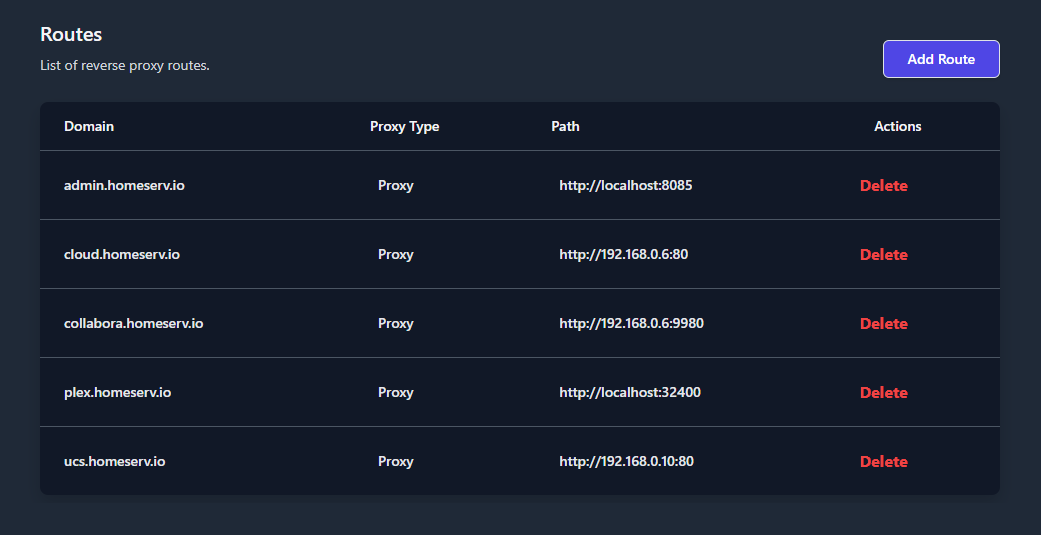
Deployr features a completely custom purpose-built reverse proxy capable of being managed completely by Deployr. When adding a project, once you set a domain/subdomain, the request will be automatically propegated to the reverse proxy which will then provision an SSL certificate via a free provider(LetsEncrypt in this case) and configure itself to point that domain/subdomain to the project running within the deployed docker container.
I also developed a detached version of this reverse proxy with a simple web UI for my home server(I don't own the domain used in this image, I run a DNS server which contains a zone to allow this domain to be accessible within my home network).
Github Auth
Deployr is integrated with Github's Open Authentication platform to allow signing in and providing Deployr access to your repositories, as well as any external organization repostiories you wish to allow it to access. Your secure token from Github is automatically managed and renewed by Deployr as needed and will be used to access repositories for setup and deployment.
Multiple Projects
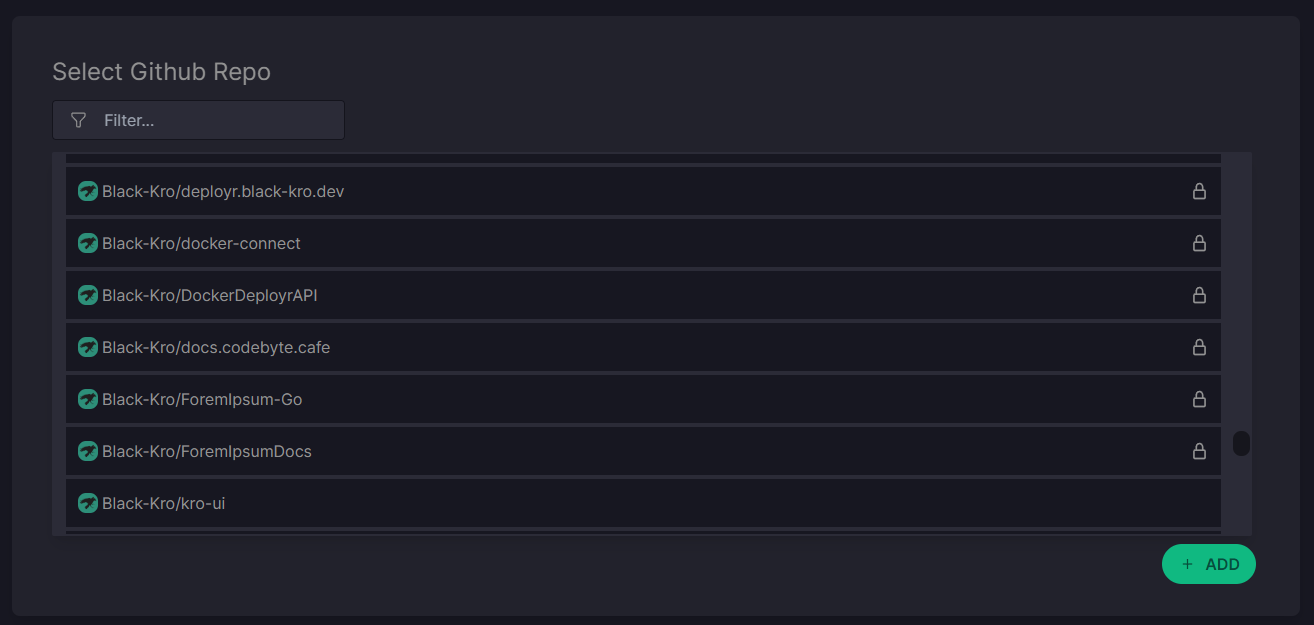
When setting up a new project in Deployr, the first step is to select a repository from your Github account. This will allow Deployr to read all available projects from your config and allow you to setup and add any deployable projects within!
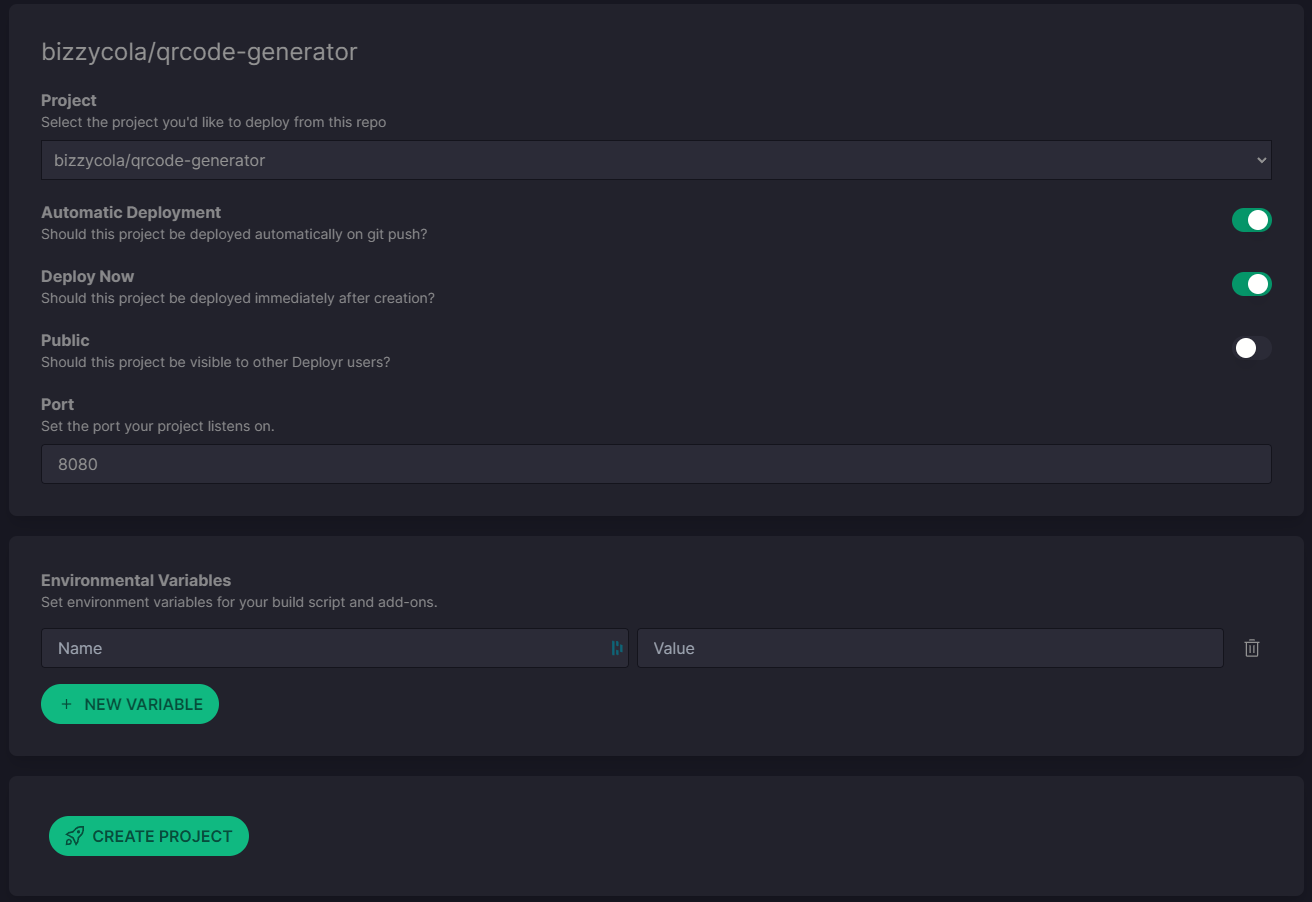
You then get the option to choose a project and configure and deploy it.
Project Management
Once deployed, your project can be viewed, managed and reconfigured from the project page.
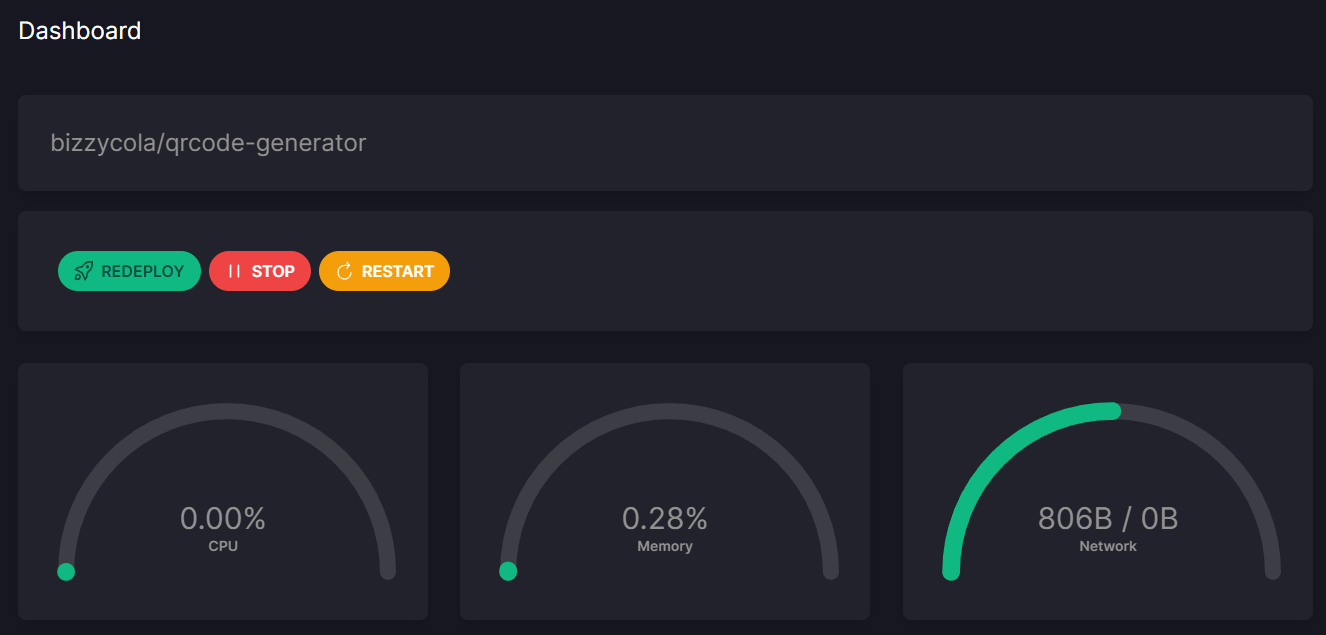
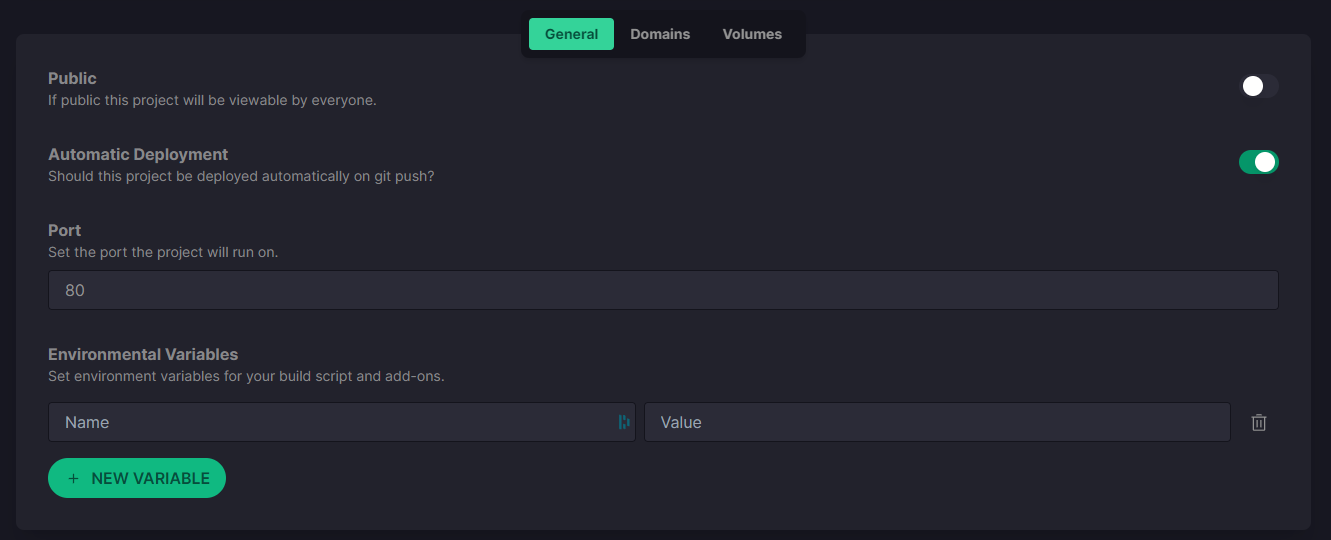
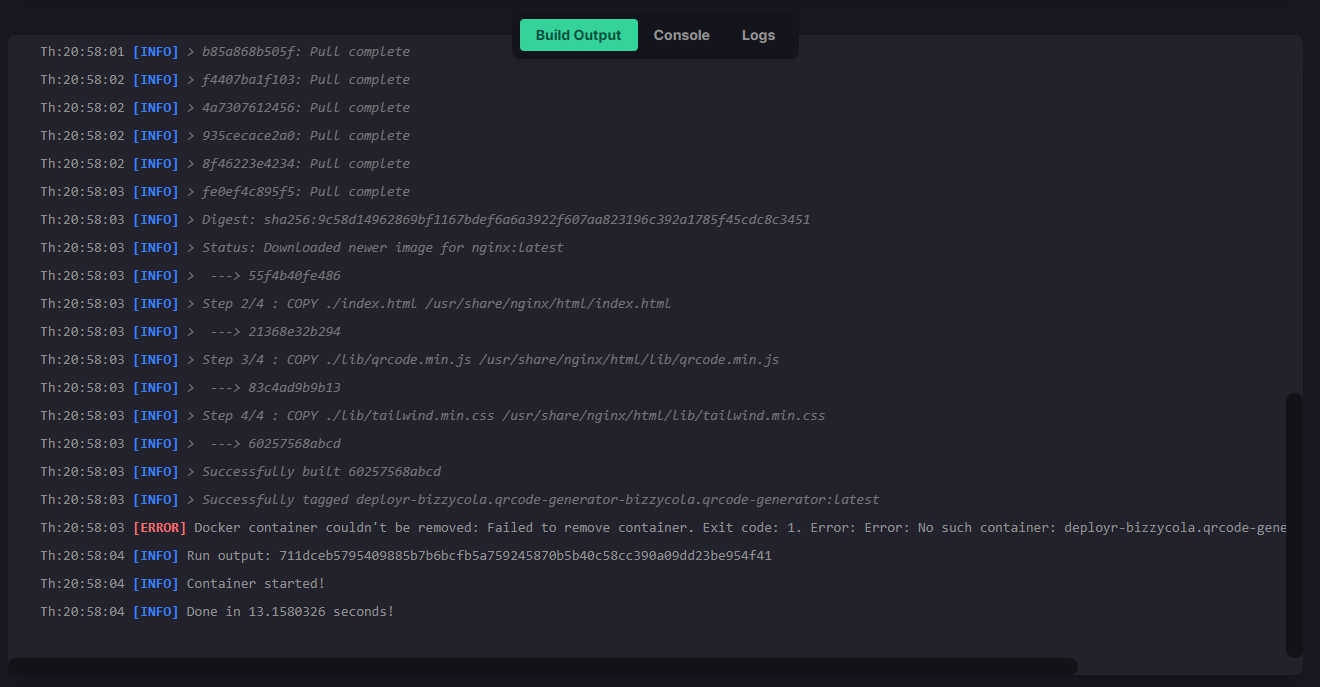
It even provides a build log, live console to your project within docker and logs you can post to via a REST api for debugging your projects.
Teams
The entire backend was built with teams as a feature, but it was never added to the frontend as I deemed it unnessacary for a system designed only to run on one server to need management via multiple groups of people. Deployr is really aimed toward individual developers(such as myself) deploying to a single server quickly and easily.